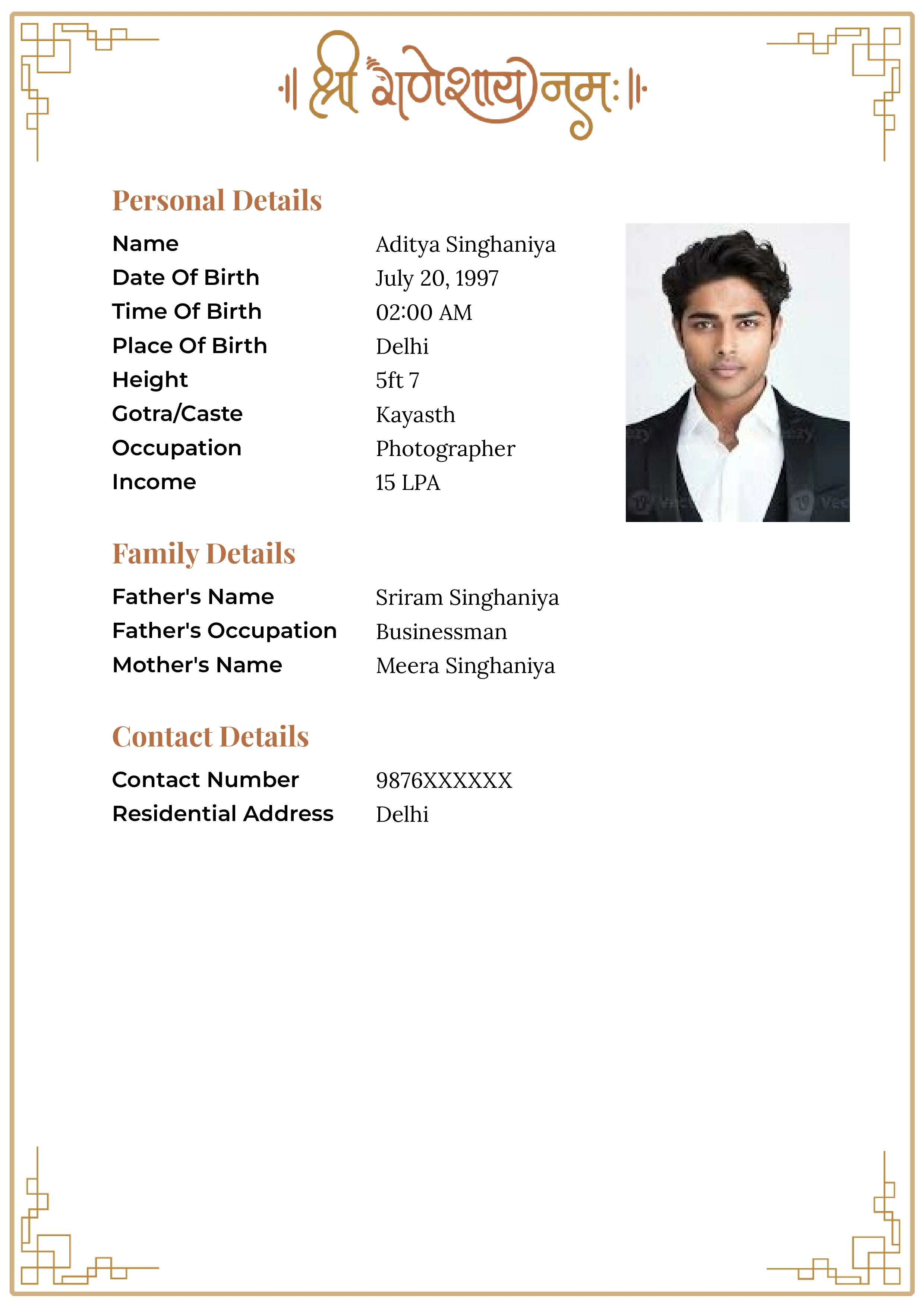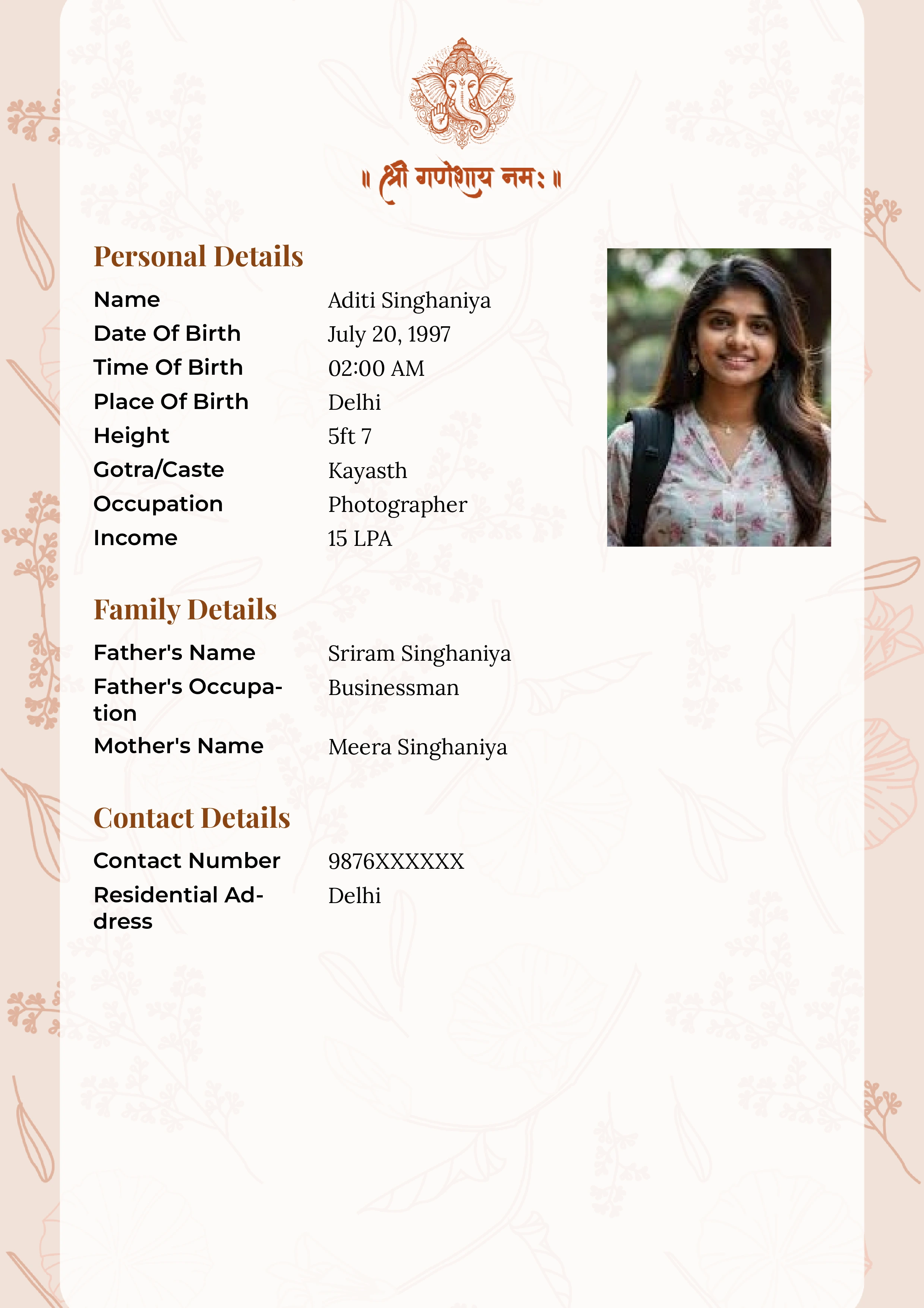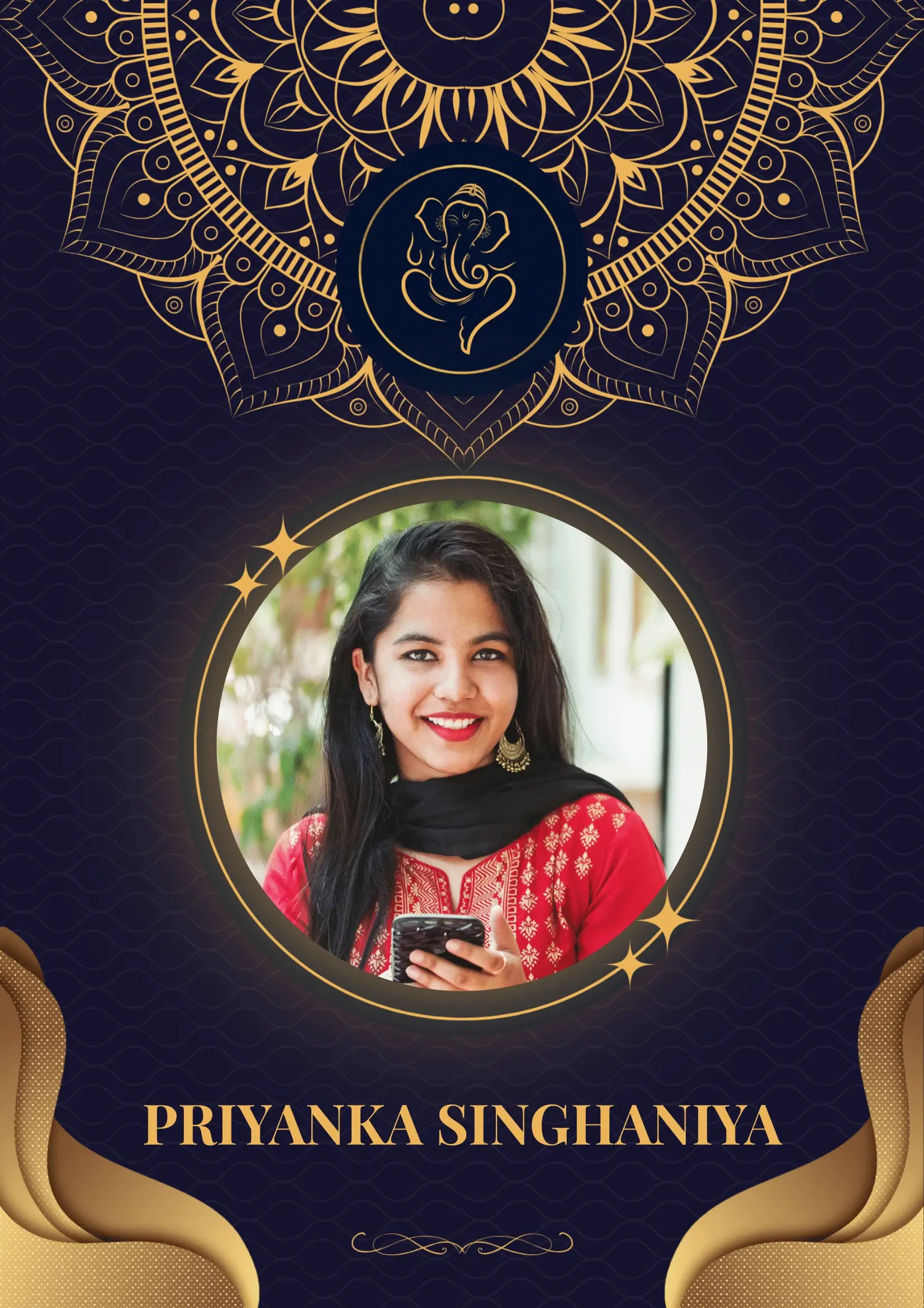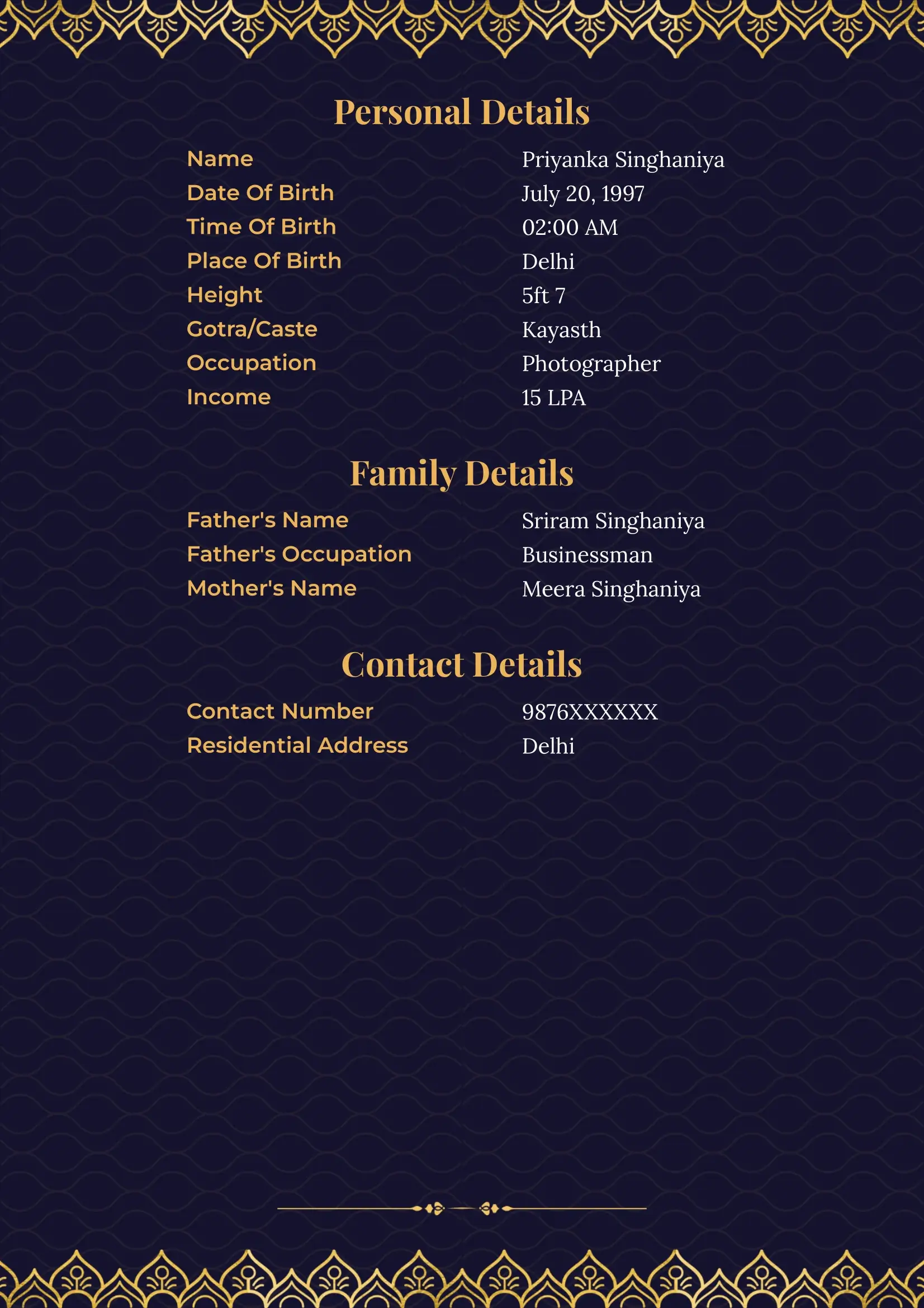
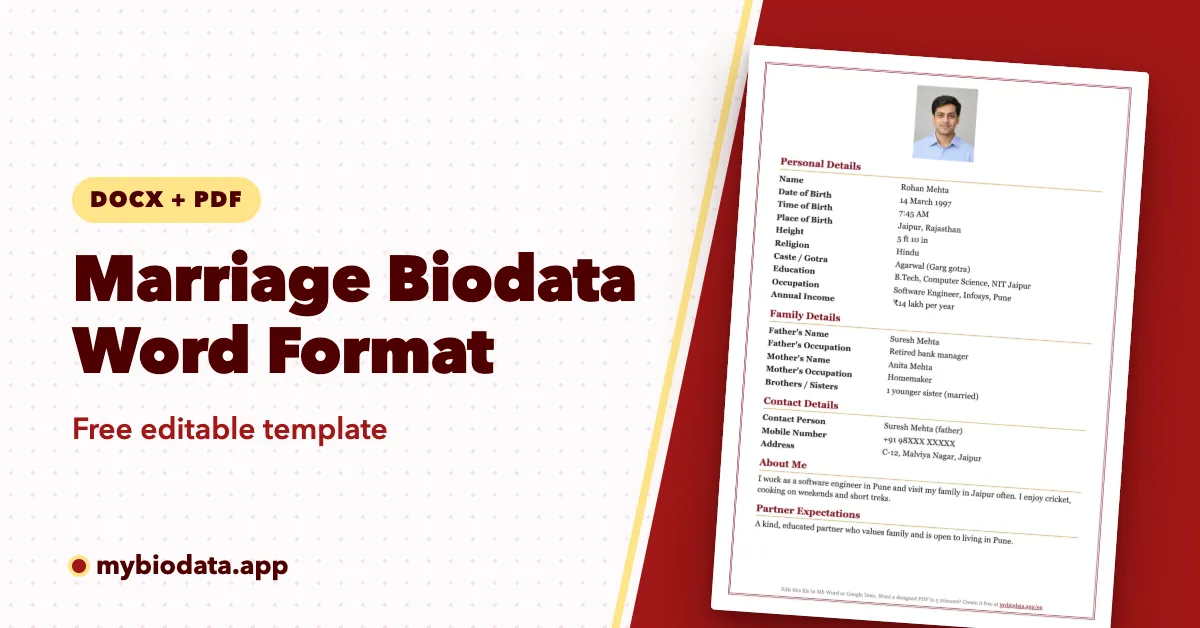
Marriage Biodata Format in Word: 4 Free Designs to Download
Pick a design and download it as a Word file to fill in, or as a blank PDF to print and fill by hand. Each design also has a filled sample, so you can see how a finished biodata looks. All free, with no sign-up.
4 free Word designs
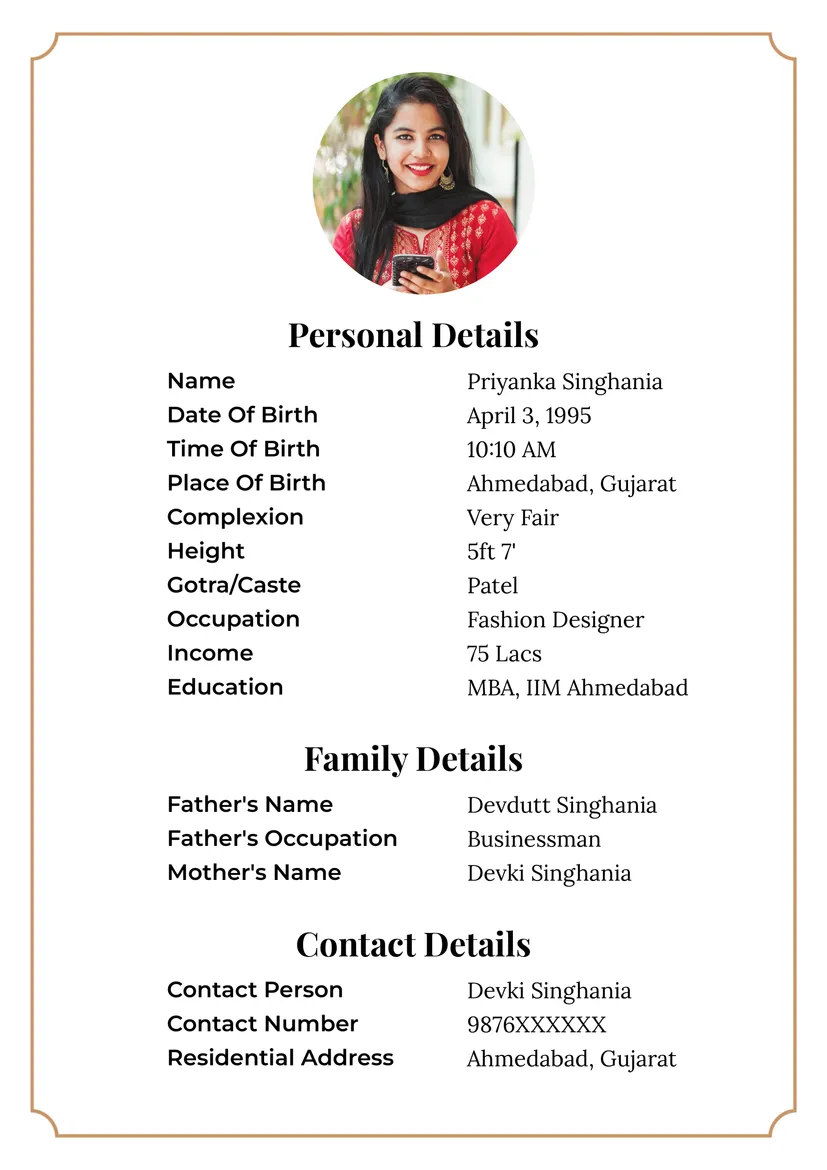
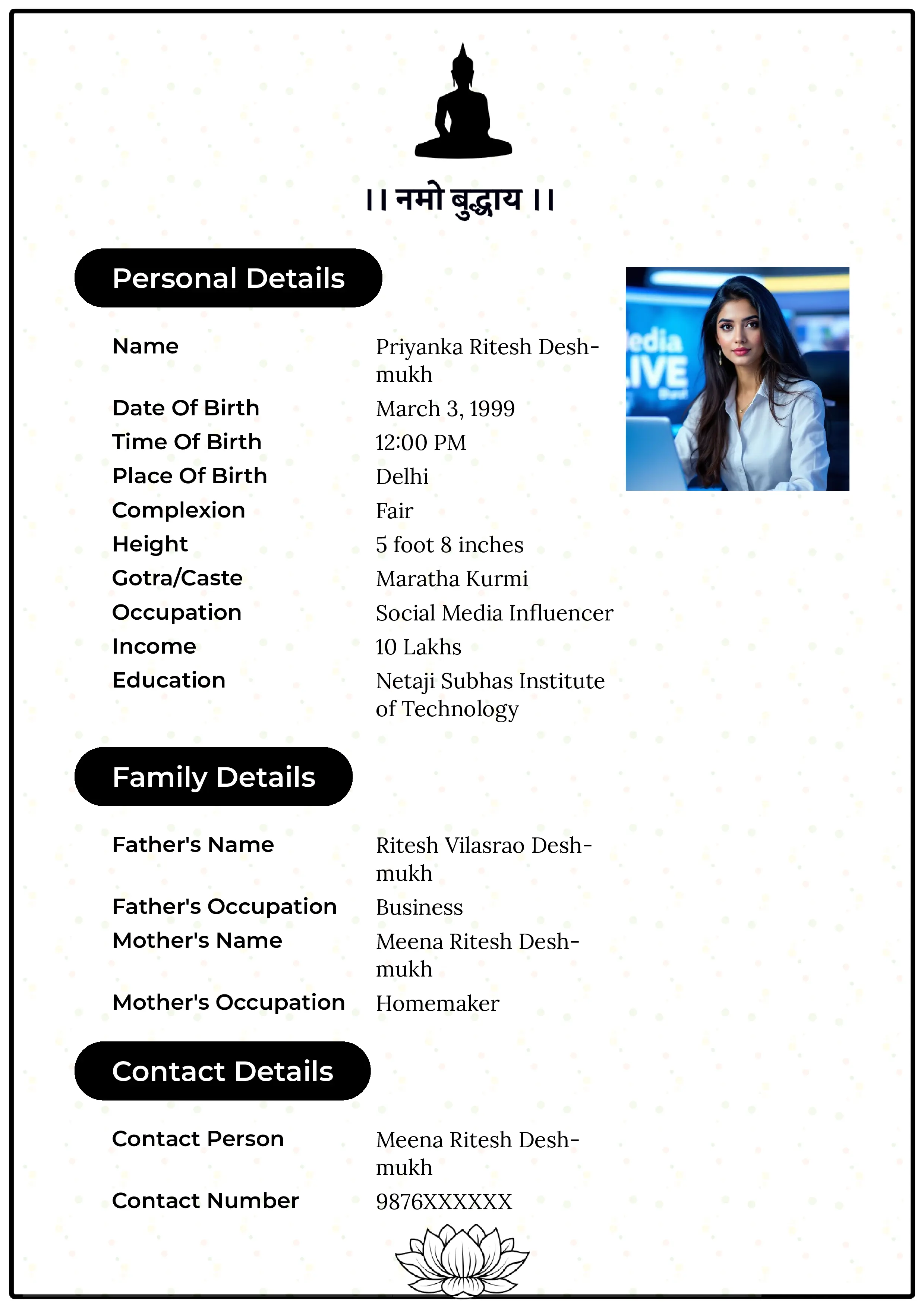
Classic
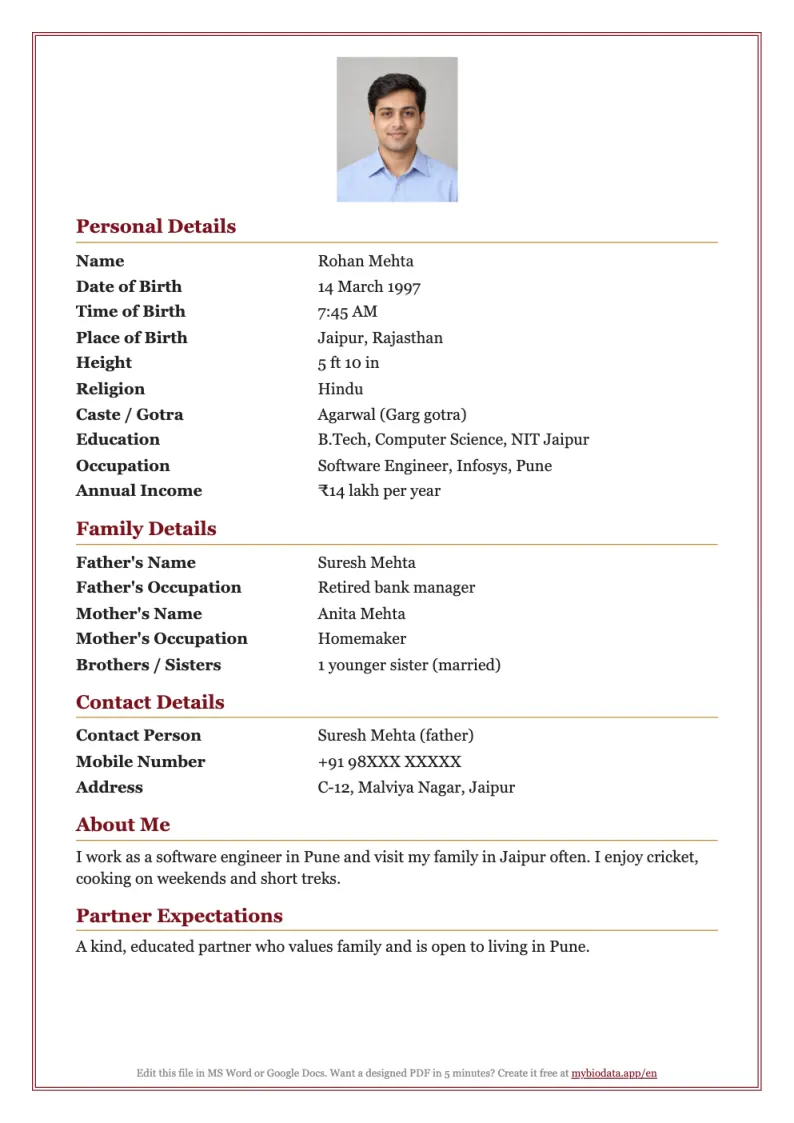
Maroon border with your photo at the top. A formal look that suits most families.
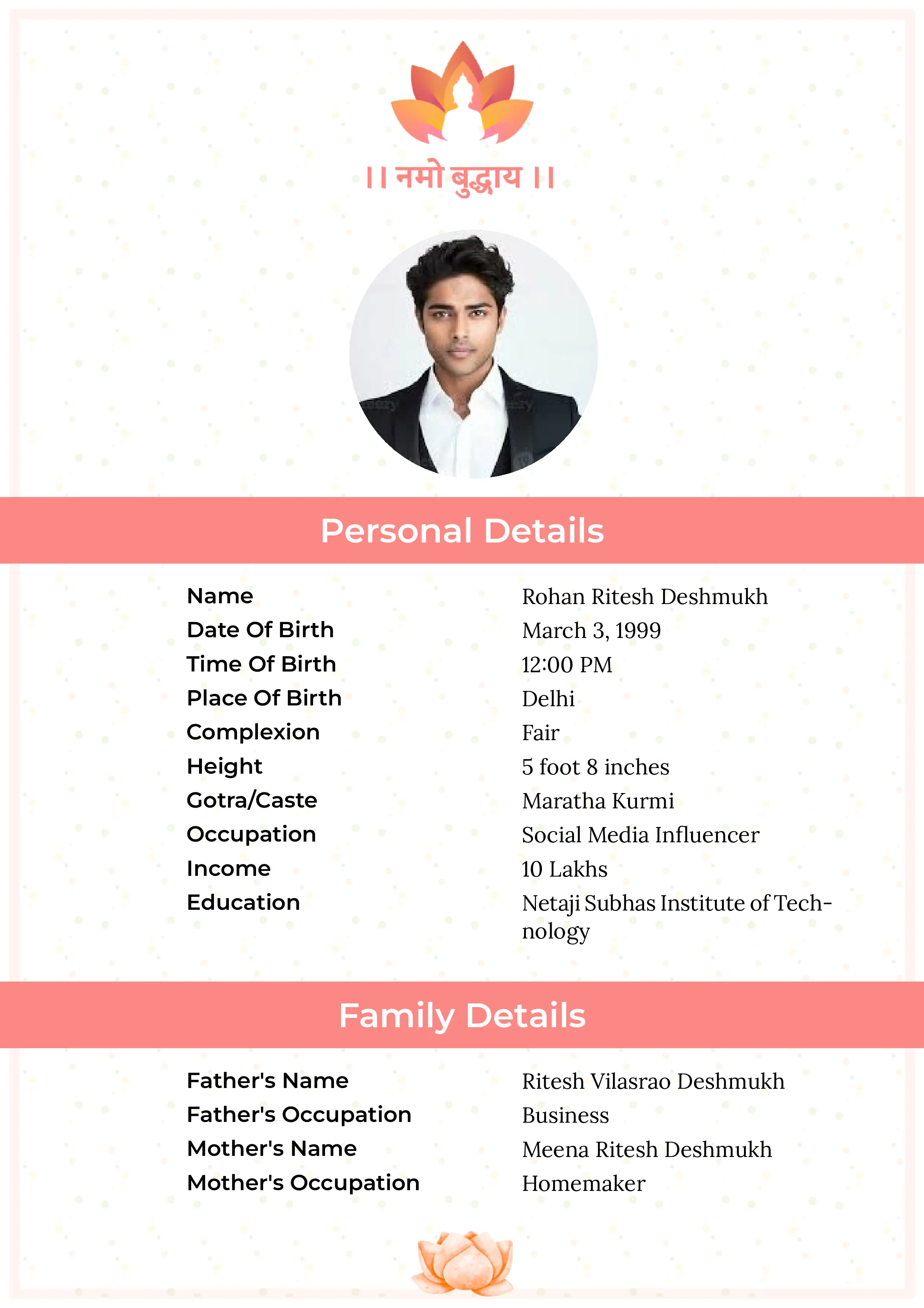
Simple
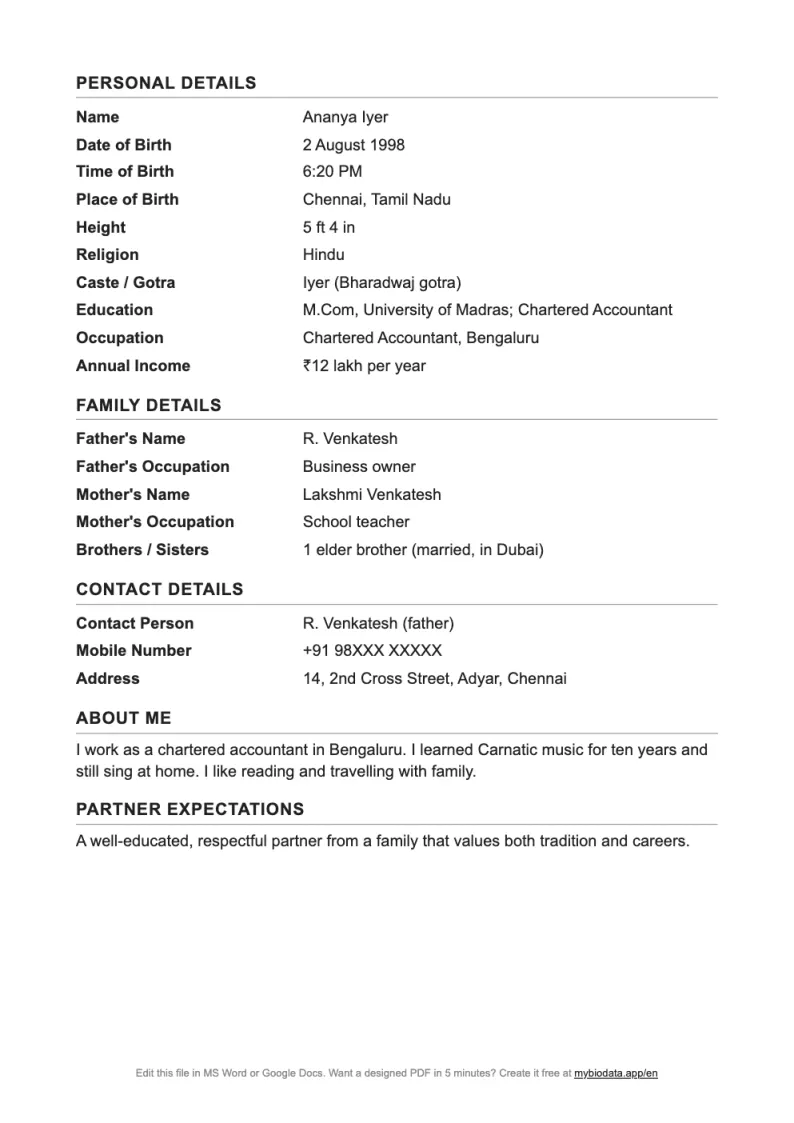
Black and white, without a photo. Prints cleanly on any printer and is the easiest to edit.
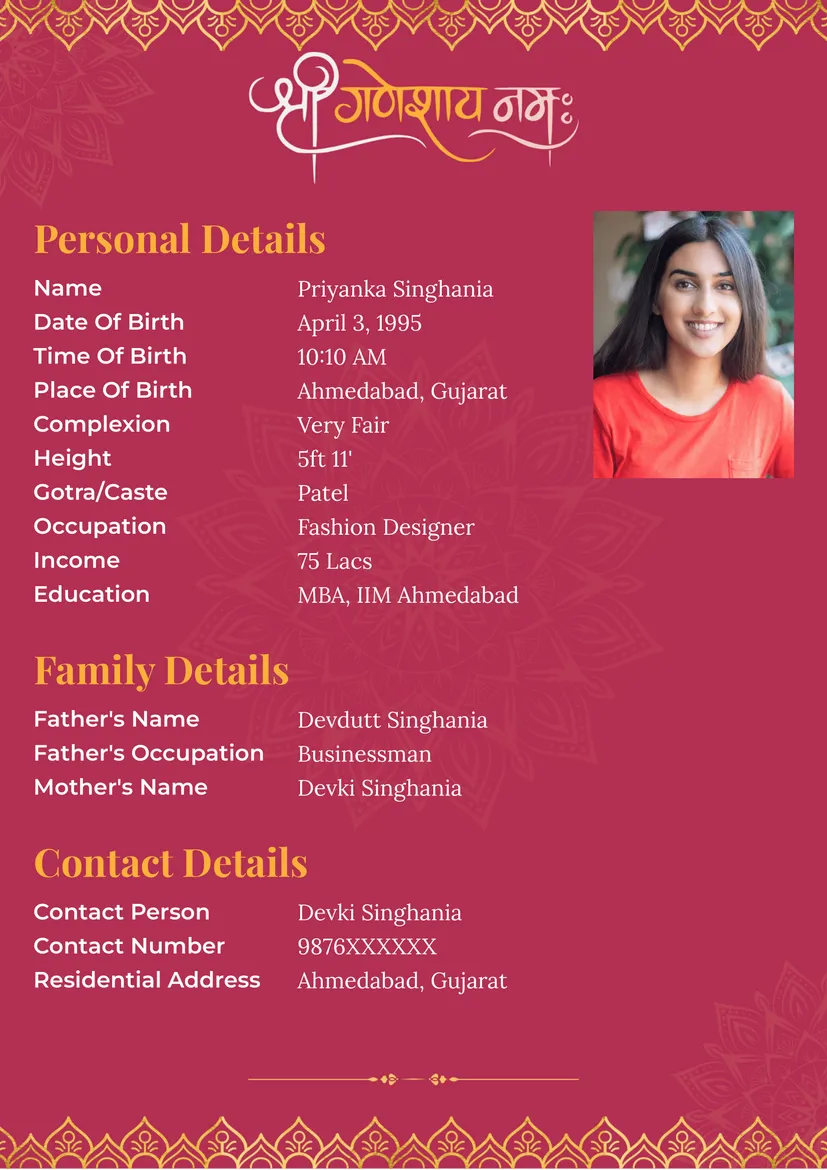
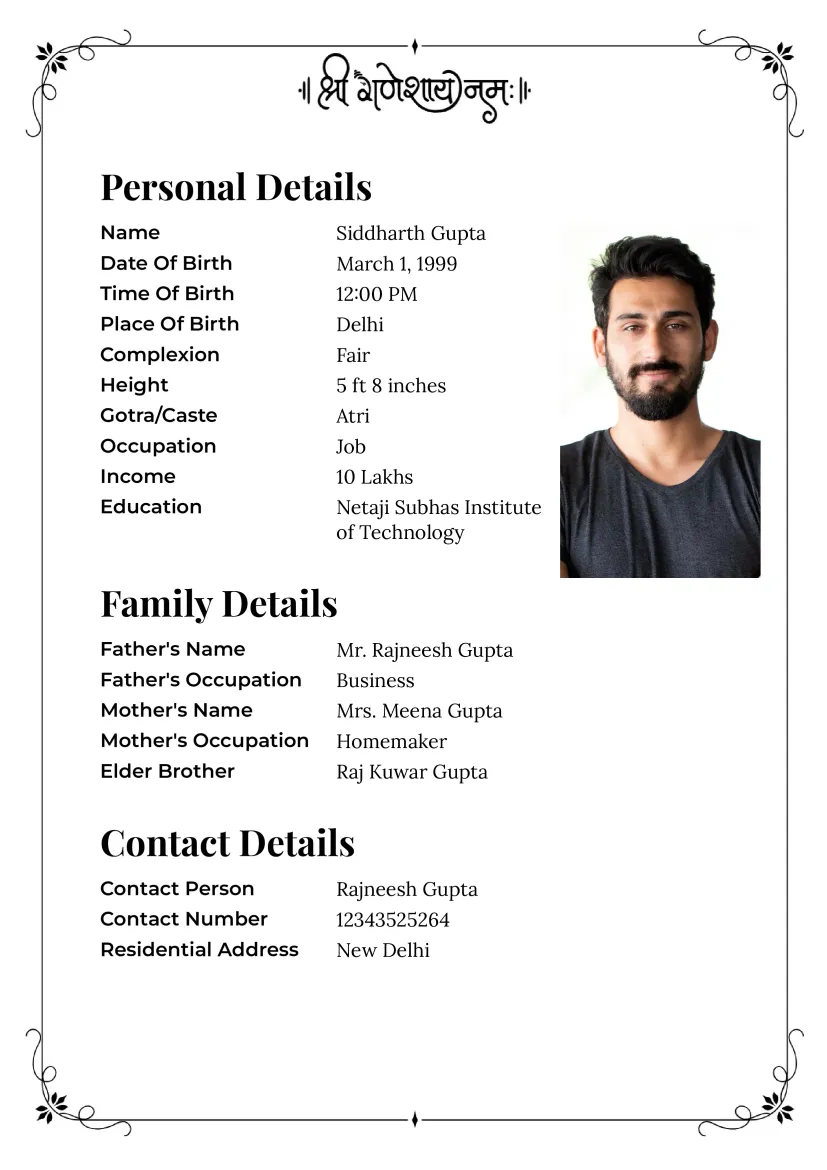
Modern
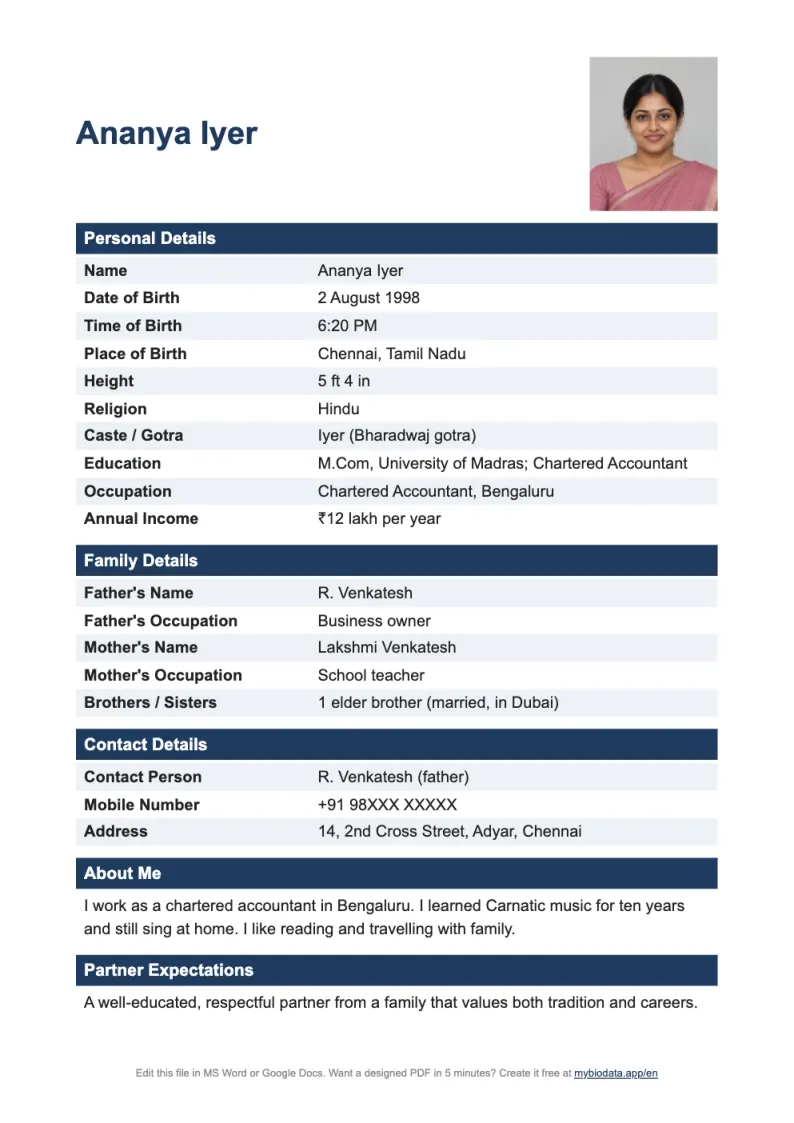
Your photo beside your name, with blue section bands.
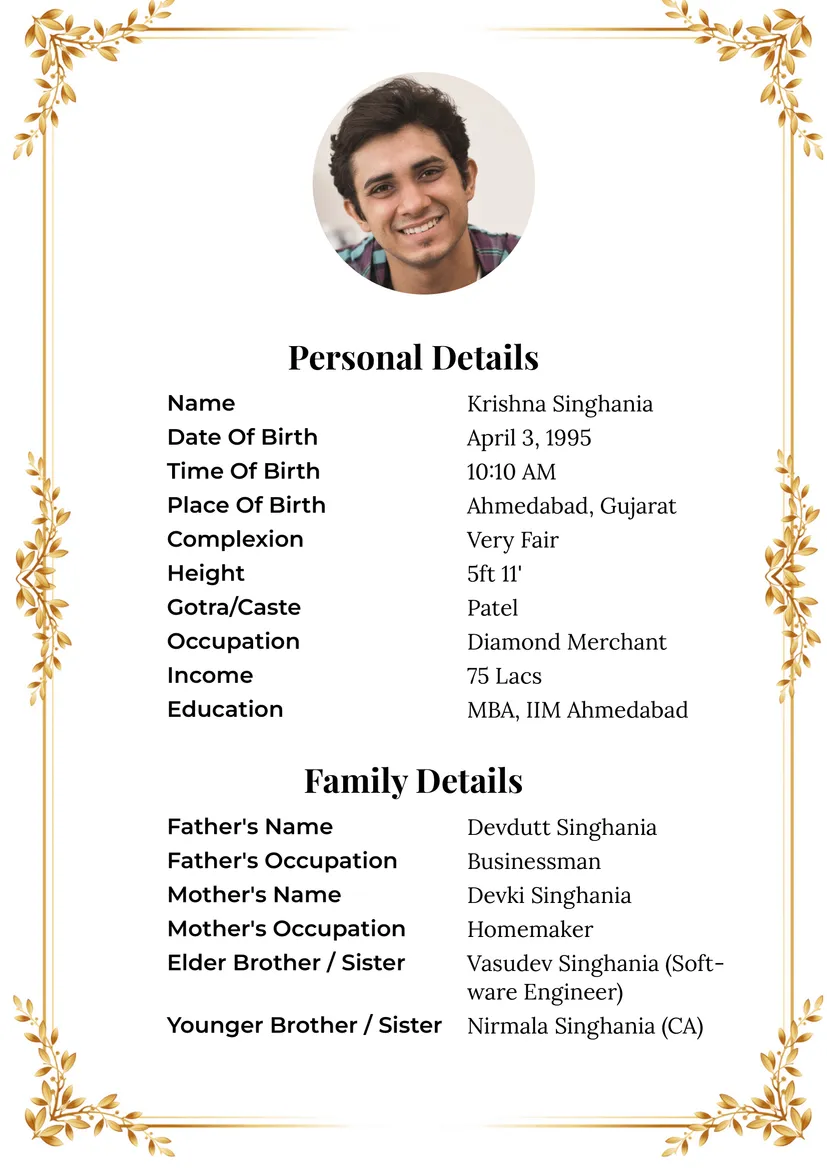
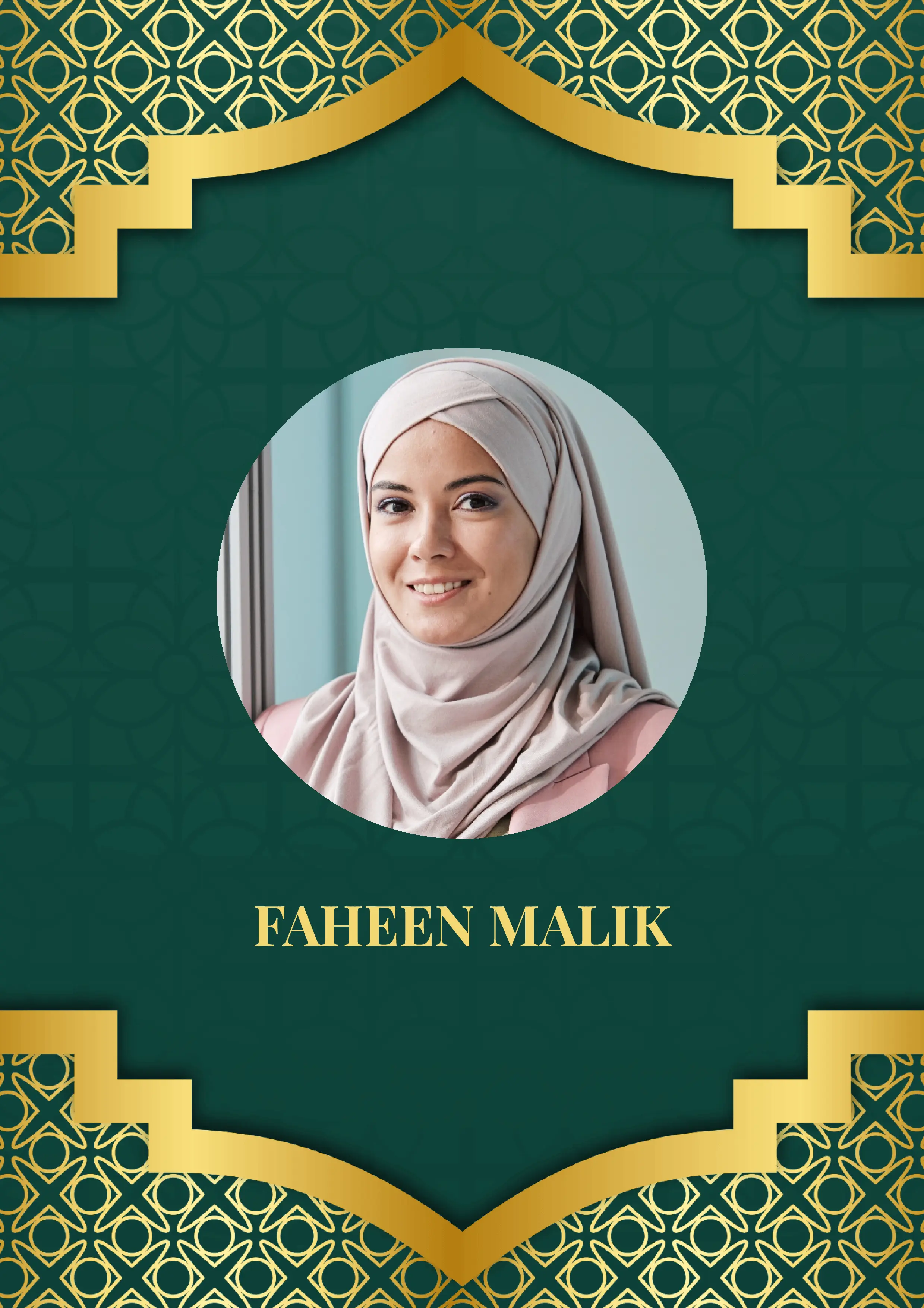
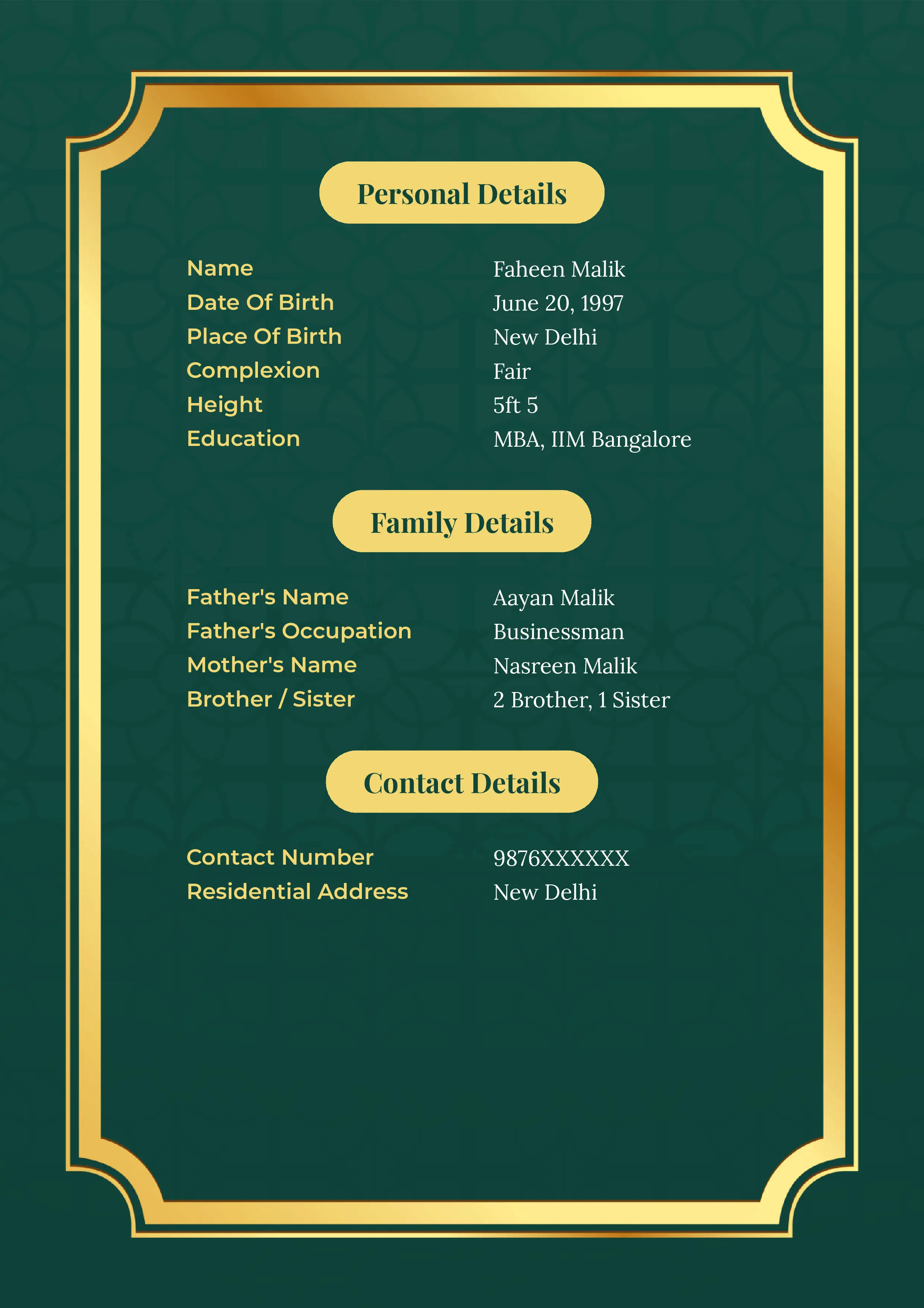
Traditional
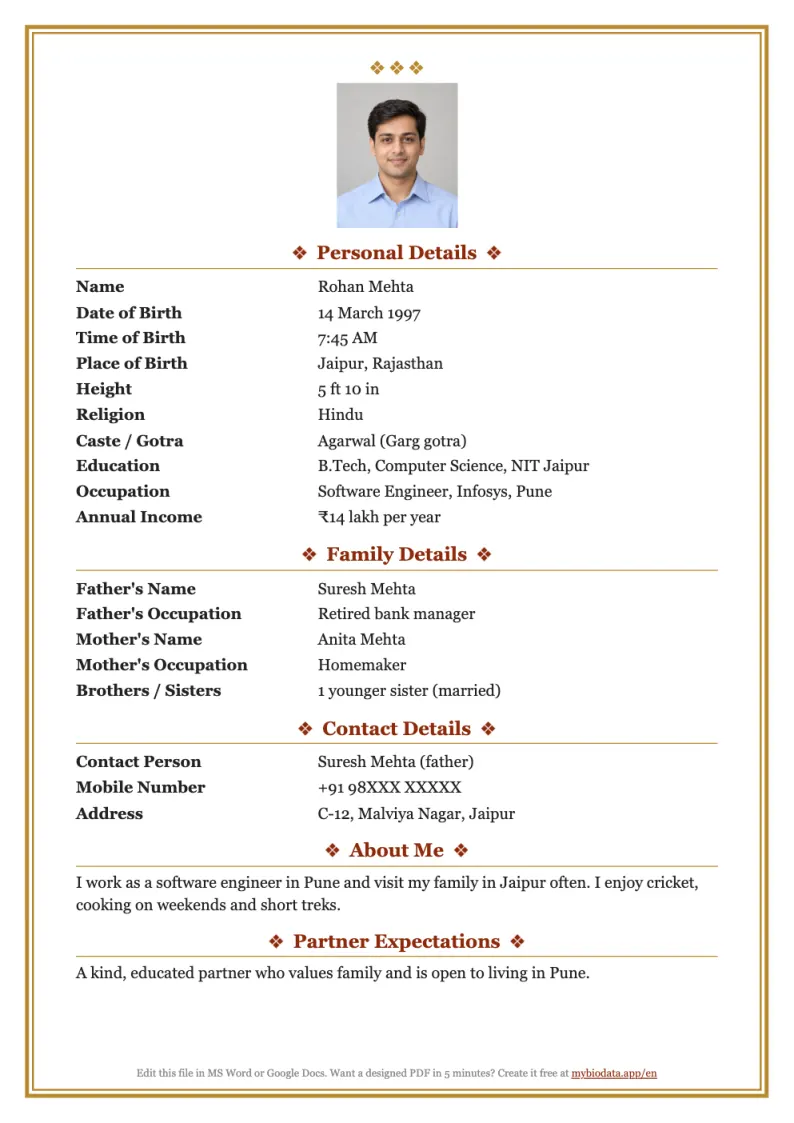
Gold border and ornaments, with your photo at the top.
The people in the samples are made up. Replace every detail with your own.
What is in the file
Every design is a one-page A4 template with the same sections. The blank files have “Fill here” in every field.
- Personal details: name, date and time of birth, place of birth, height, complexion, religion, caste or gotra, education, occupation and annual income.
- Family details: father’s and mother’s names and occupations, brothers and sisters.
- Contact details: contact person, mobile number and address.
- About me and partner expectations, as short paragraphs.
- A photo box, except in the Simple design.
Delete any row you don’t want to share. Fields like gotra or time of birth matter to some families and not to others. The samples leave out complexion for this reason.
How to edit the Word file
- Download the blank .docx file, or the filled sample if you’d rather replace its details. Open it in Microsoft Word. On a phone or without Word, upload it to Google Drive and open it with Google Docs.
- Replace each “Fill here” with your details.
- To add your photo, select the placeholder image and replace it with your own picture.
- Remove rows you don’t need, then check that everything still fits on one page.
Save a PDF before sharing
Families usually open biodatas on their phones, and a PDF looks the same everywhere. In Word use File › Save As › PDF. In Google Docs use File › Download › PDF.
Open the PDF before sending it and check names, dates, phone numbers and the photo. Keep the Word file so you can make changes later.
Word file or online maker?
| If you want to… | Use | Keep in mind |
|---|---|---|
| Edit the text yourself, offline | A Word file | Fonts and spacing can shift between apps. Check the final PDF. |
| Print and fill by hand | A blank PDF | Write clearly; a typed version is easier to read. |
| Get a designed layout without editing Word | Our online biodata maker | It creates a PDF, not a Word file, and has 14 designs, one of them free. |
What to write in each section
Keep each section short. Families read the name, age, education and work first, so make those easy to find.
- About me: two or three lines on what you do and what you enjoy. Specific details read better than general praise. From the Classic sample: “I work as a software engineer in Pune and visit my family in Jaipur often. I enjoy cricket, cooking on weekends and short treks.”
- Partner expectations: what matters to you, said simply. From the Simple sample: “A well-educated, respectful partner from a family that values both tradition and careers.”
- Contact: the phone number of the person families should call, often a parent.
Spell-check before sending. A wrong name or date makes the whole biodata look careless.
Other languages
The same designs in other languages: हिंदी · मराठी · ગુજરાતી · தமிழ் · తెలుగు · বাংলা
Questions about the download
Is the Word template free? Yes. All the Word files, blank PDFs and filled samples on this page are free to download, with no sign-up.
Which design should I choose? Classic or Traditional for a formal look with a photo. Simple if you want to print in black and white or leave out the photo. Modern if you want your photo beside your name.
Should I send the Word file or a PDF? Send a PDF. Keep the Word file for yourself so you can update it later.
Does the online maker give me a Word file? No. The online maker creates a PDF. The Word files on this page are separate downloads.