Follow these 3 easy steps to create an attractive biodata with our free gujarati marriage biodata maker.
Step 1. Fill all your details in Gujarati
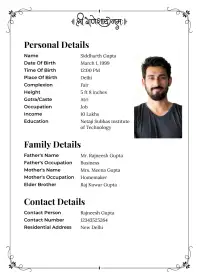
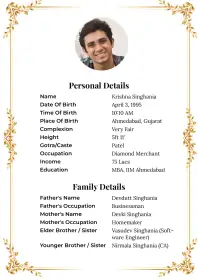
Click on the Create My Biodata button. In the biodata form, select Gujarati. Add your photograph and fill in your personal, family, and contact details.
Step 2. Choose the Free Template
Click on the Choose Template button at the bottom of the biodata form. Then, select a marriage biodata template for free from our template gallery.
Step 3. Download Free Gujarati Marriage Biodata
Preview your photograph and all the information shown in the biodata. Now click on the Generate Biodata button. You will be directed to the Thank You page. Download your free gujarati biodata by clicking on the Download Biodata button.



 Komal KumariGoogle Play દ્વારા

 Google Play પર તમામ સમીક્ષાઓ જુઓ


